Every day deserves a stamp.
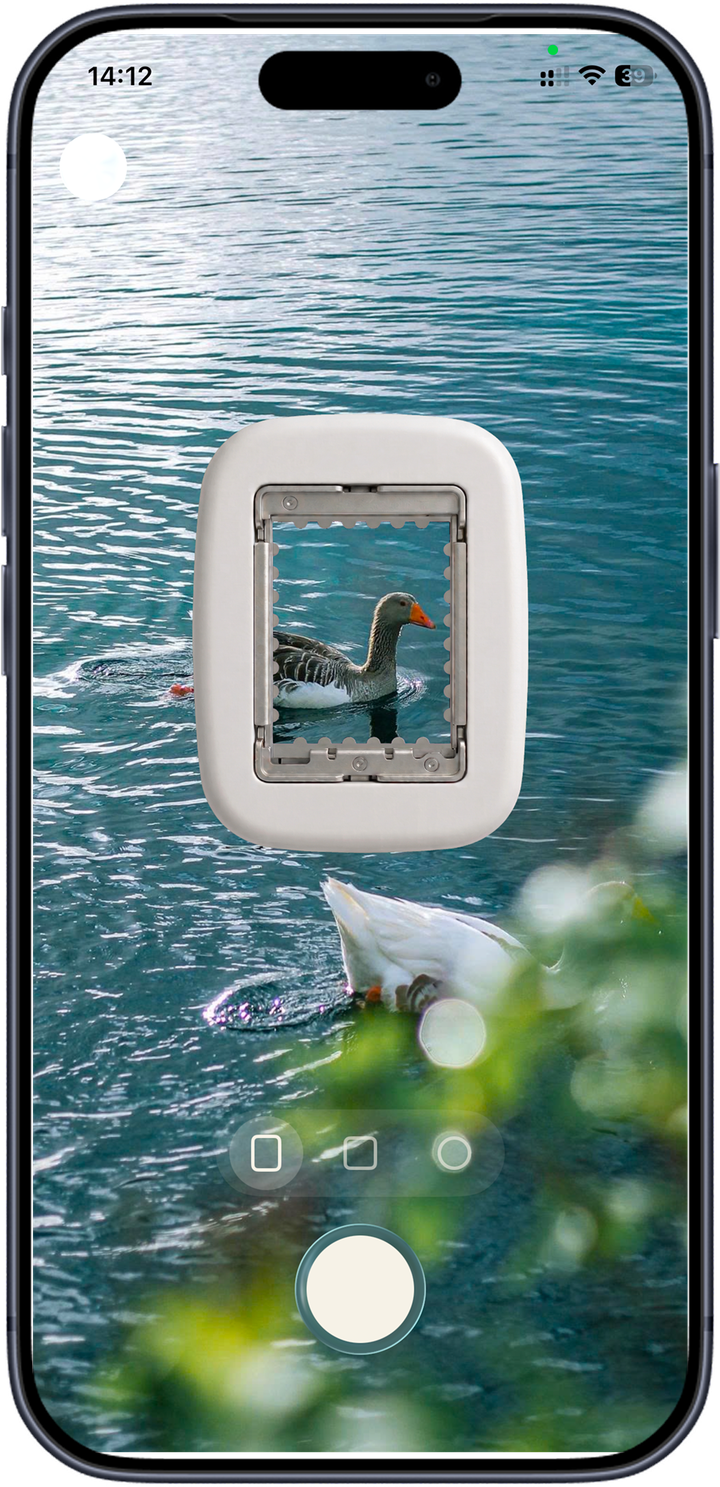
Turn one photo a day into a little die-cut stamp. Caption it, postmark it, keep it forever.
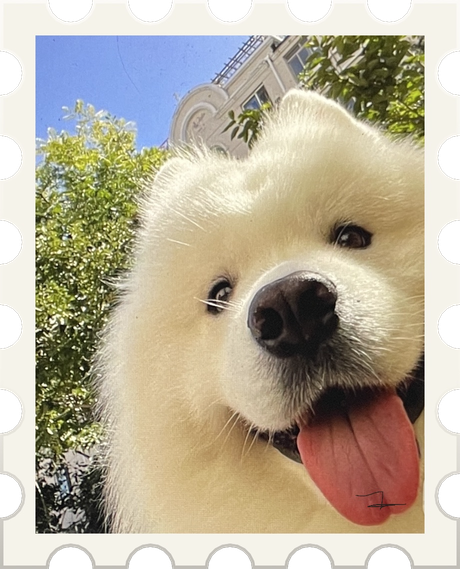

Lick. Stick. Keep.
How does Stampist turn a photo into a stamp? In three tiny steps from camera roll to keepsake: pick a moment, punch it out, and keep it forever.
Snap something today or pull a photo from your library. One a day is plenty.
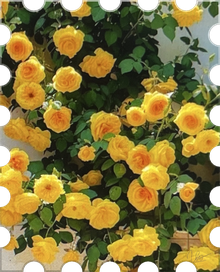
Stampist die-cuts it with proper perforations, takes a caption, and cancels it with today's postmark.
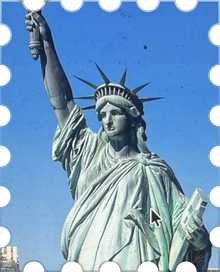
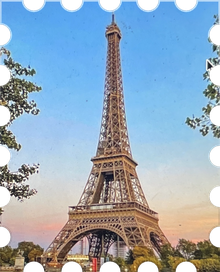

It lands in your collection, your calendar, and your wall, a little archive of your days.
A tiny post office in your pocket.
What do you get with Stampist? Every stamp you make is filed four ways: a collection sorted by month, a calendar diary, a freeform wall for the keepers, and a map of where each one was made.
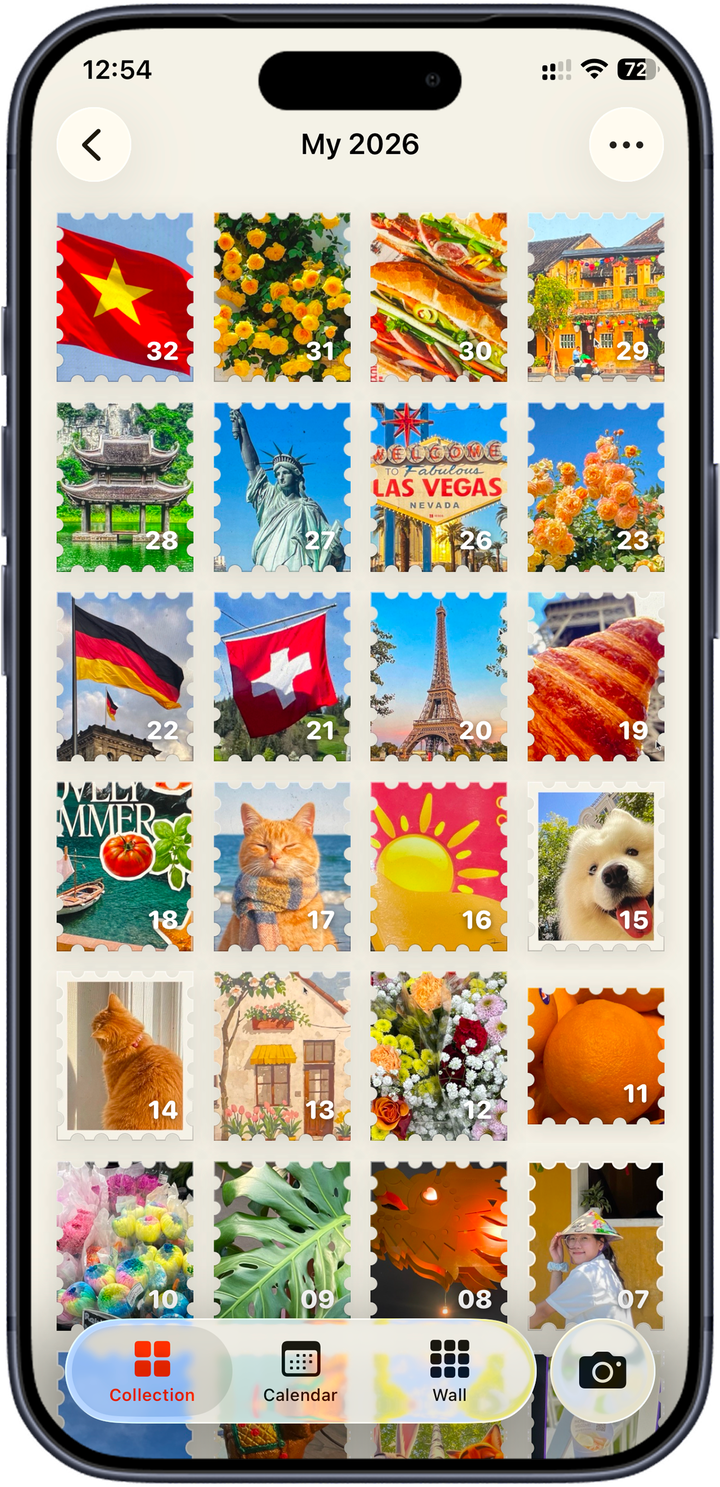
Every stamp numbered and filed by month, like a real collector's sheet. Tap one to flip it over and read the note on the back.
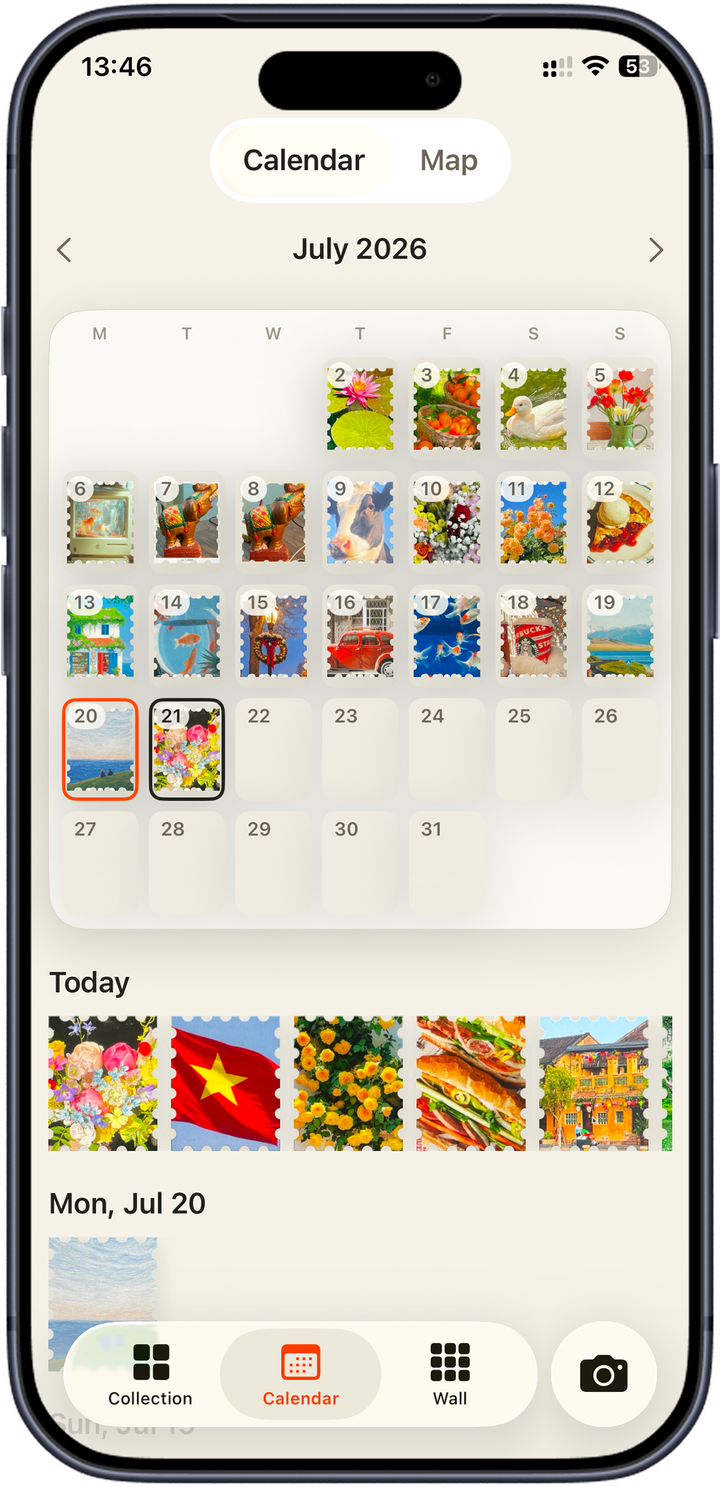
Every day is a slot on the month's sheet. Filled days glow; empty ones wait with a gold dashed outline. No streaks to break, just your year quietly filling in.
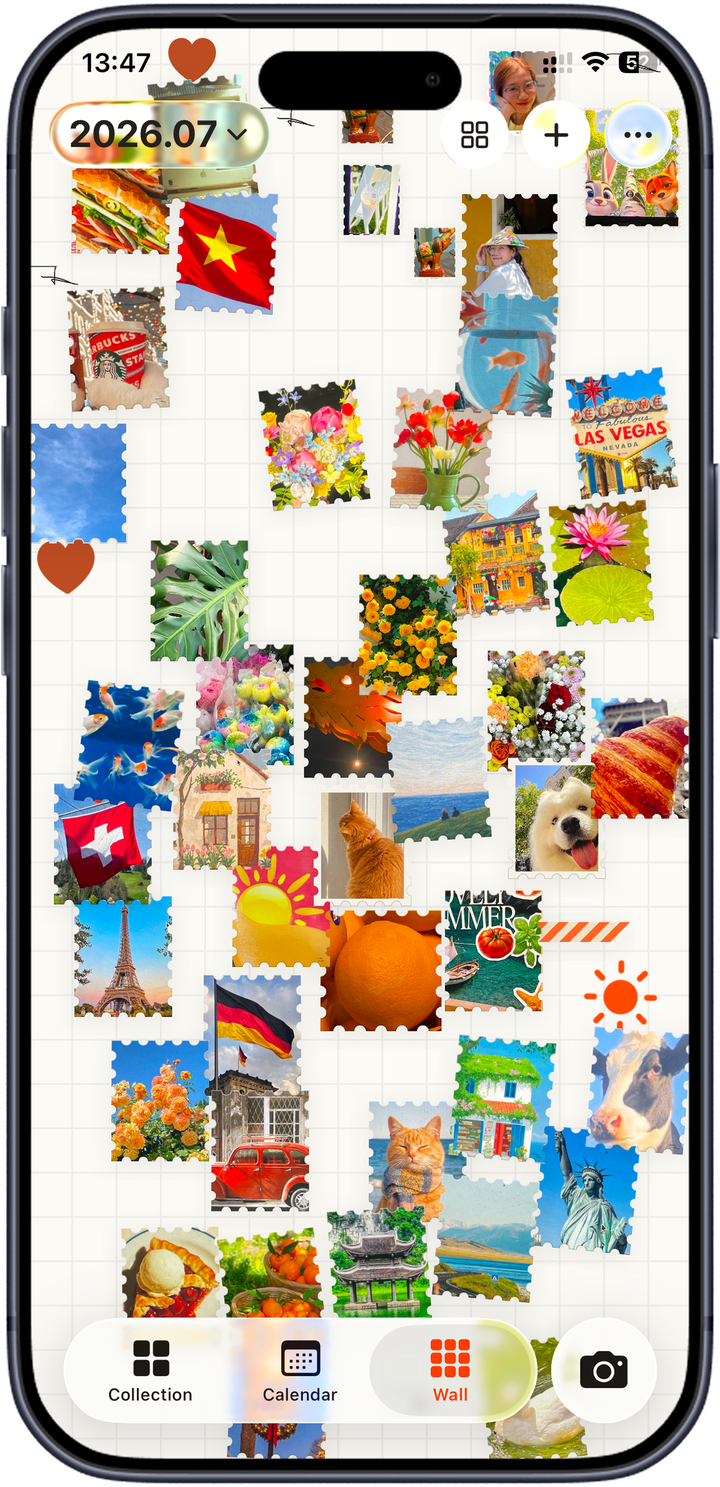
A freeform wall for your favorites. Drag them, tilt them, overlap them, and name it after a year or a person. Nothing's on rails.
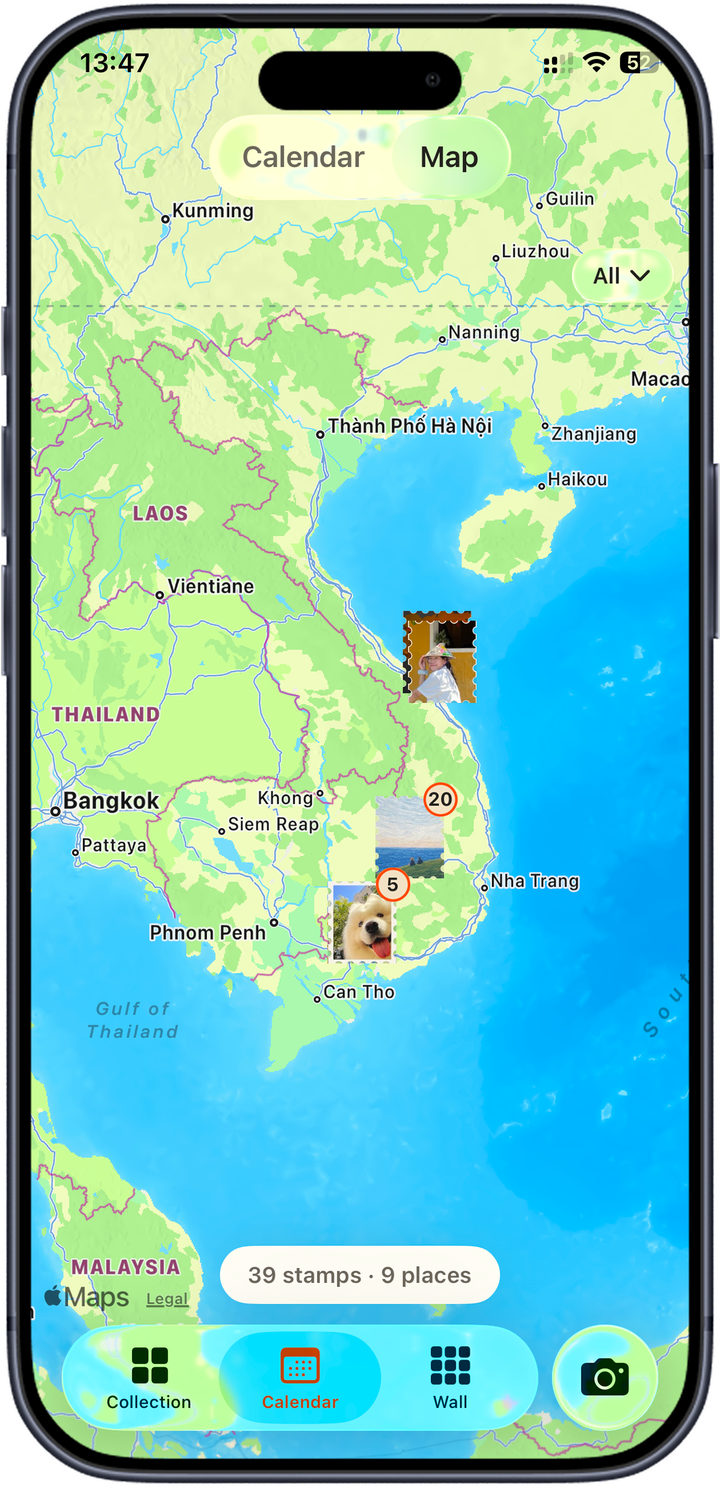
Every stamp drops a pin where you made it, so your collection maps itself across cities and countries. Tap a place to relive what you stamped there.
Kind words, collected.
“I stamp one photo a day and the wall fills up like a real collection. It's the only app I actually keep coming back to.”
“The die-cut edges and my little signature make every photo feel like something worth keeping instead of another camera-roll blur.”
“I've tried a dozen journal apps. This is the first one where laying out a page is genuinely fun. The stamps are gorgeous.”
Simple as postage.
Every plan unlocks the whole app. Subscribe monthly or yearly, or pay once and keep it forever.
How much does Stampist cost? One purchase unlocks the whole app: $3.99 a month, $29.99 a year (best value), or $39.99 once for Lifetime. No free tier and no trial, so every plan is unlocked from your first stamp.
Every plan unlocks the whole app, no locked corners. Manage or cancel a subscription anytime in your App Store or Google Play settings; the stamps you've made stay on your device either way.
Questions, answered.
What is Stampist?+
Does it work offline?+
Where do my photos live?+
What's this hand-drawn mark about?+
Can I use Stampist on more than one phone?+
How much does Stampist cost?+
Can I cancel anytime?+
Is there an Android version?+
Still stuck? Visit support for billing, account, and troubleshooting help.